
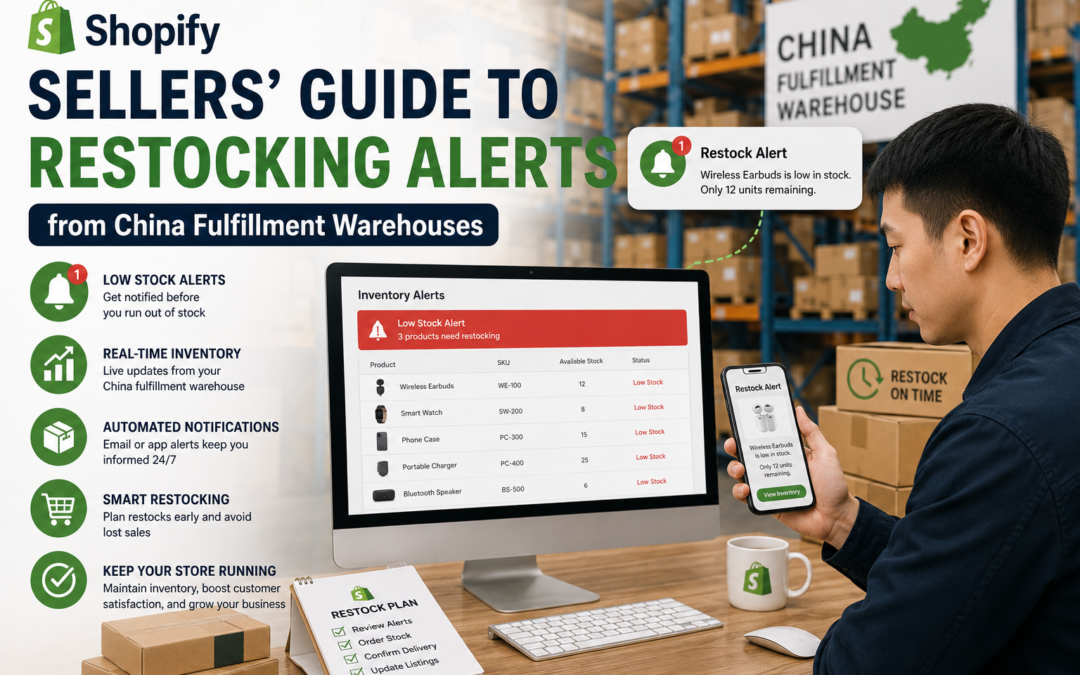
Shopify Sellers' Guide to Restocking Alerts from China Fulfillment Warehouses
A stockout is often less about running out of inventory and more about running out of warning. A well-set restocking alert gives a Shopify seller enough lead time to reorder before shelves actually go empty. Here's how to set thresholds that actually work, rather than guessing at a round number.
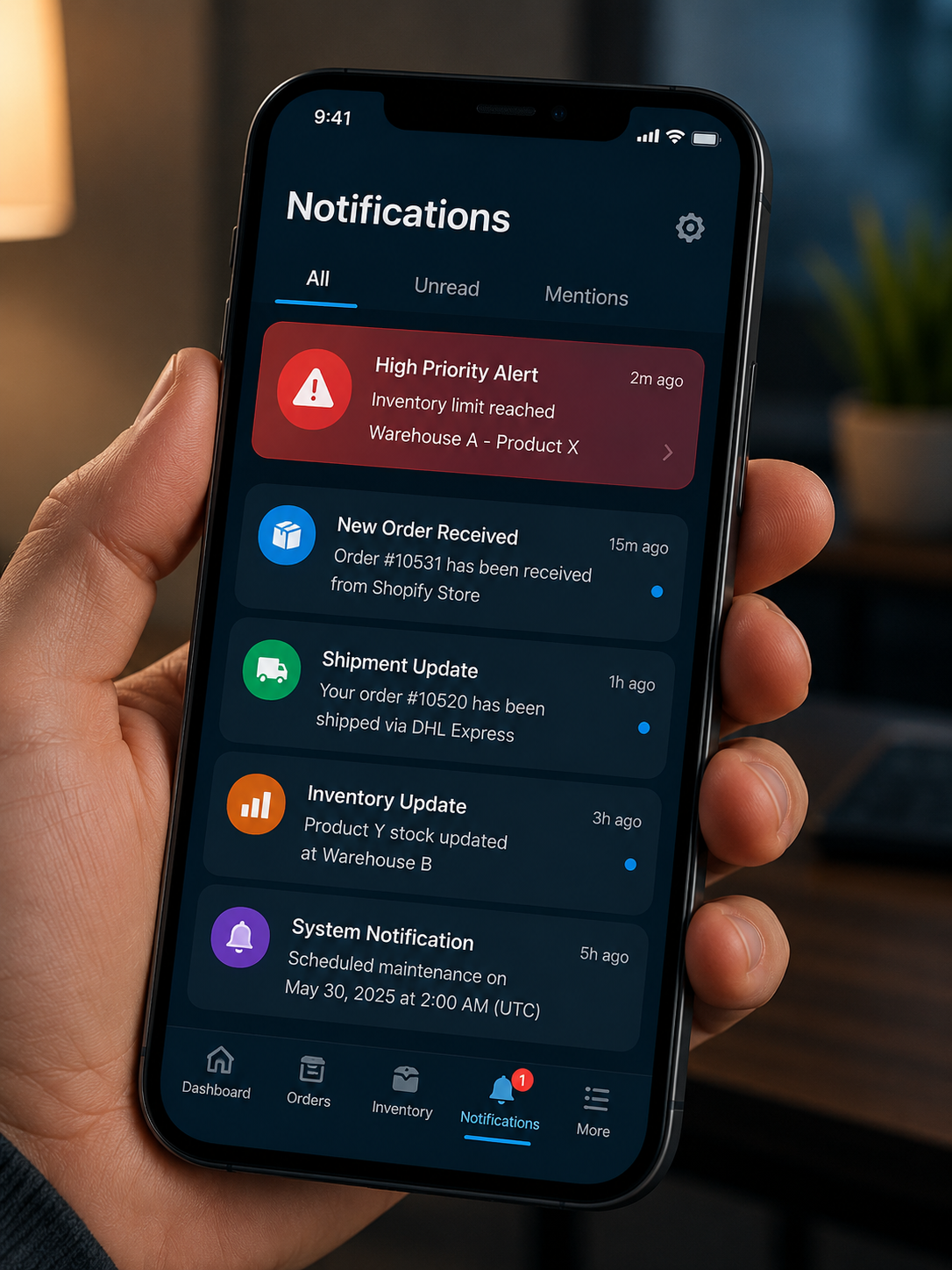
Restocking alerts exist to solve one specific problem: giving a Shopify seller enough advance notice to reorder inventory before it actually runs out. That sounds simple, but a poorly calibrated threshold, set too low, too high, or never updated as sales patterns shift, can make the alert almost useless. Getting this right is less about the technology and more about the math behind the threshold.
Here's how to set up and calibrate restocking alerts from a China fulfillment warehouse so they actually prevent stockouts rather than just adding noise.
📋 Table of Contents
Why Restocking Alerts Matter
A Shopify store selling steadily can go from healthy stock to a stockout faster than expected, especially if a sales spike coincides with a slower-than-usual reorder cycle. A restocking alert set at the right threshold acts as an early warning system, triggering a reorder decision while there's still enough runway to place the order and receive it before stock actually depletes.
What Happens Without Proper Alerts
Risks Without Calibrated Alerts
- Stockouts discovered only after they've already happened
- Reorders placed too late to arrive before inventory runs out
- Thresholds set once and never revisited as sales patterns change
- Alerts triggering either too early (wasted urgency) or too late
What Calibrated Alerts Provide
- Advance warning that leaves enough time to reorder
- Reorders timed to arrive before stock actually depletes
- Thresholds that reflect real sales velocity and lead time
- Fewer both false alarms and missed stockout warnings
Calculating a Real Reorder Threshold
A reasonable reorder threshold is calculated by multiplying average daily sales velocity by total lead time (production, shipping, and warehouse processing combined), then adding a buffer to account for demand variability. A product selling ten units a day with a 45-day total lead time needs a threshold well above 450 units, not a round number picked without that math behind it. Getting the lead time figure accurate matters just as much as the sales velocity number.
Getting Alerts from Your Fulfillment Warehouse
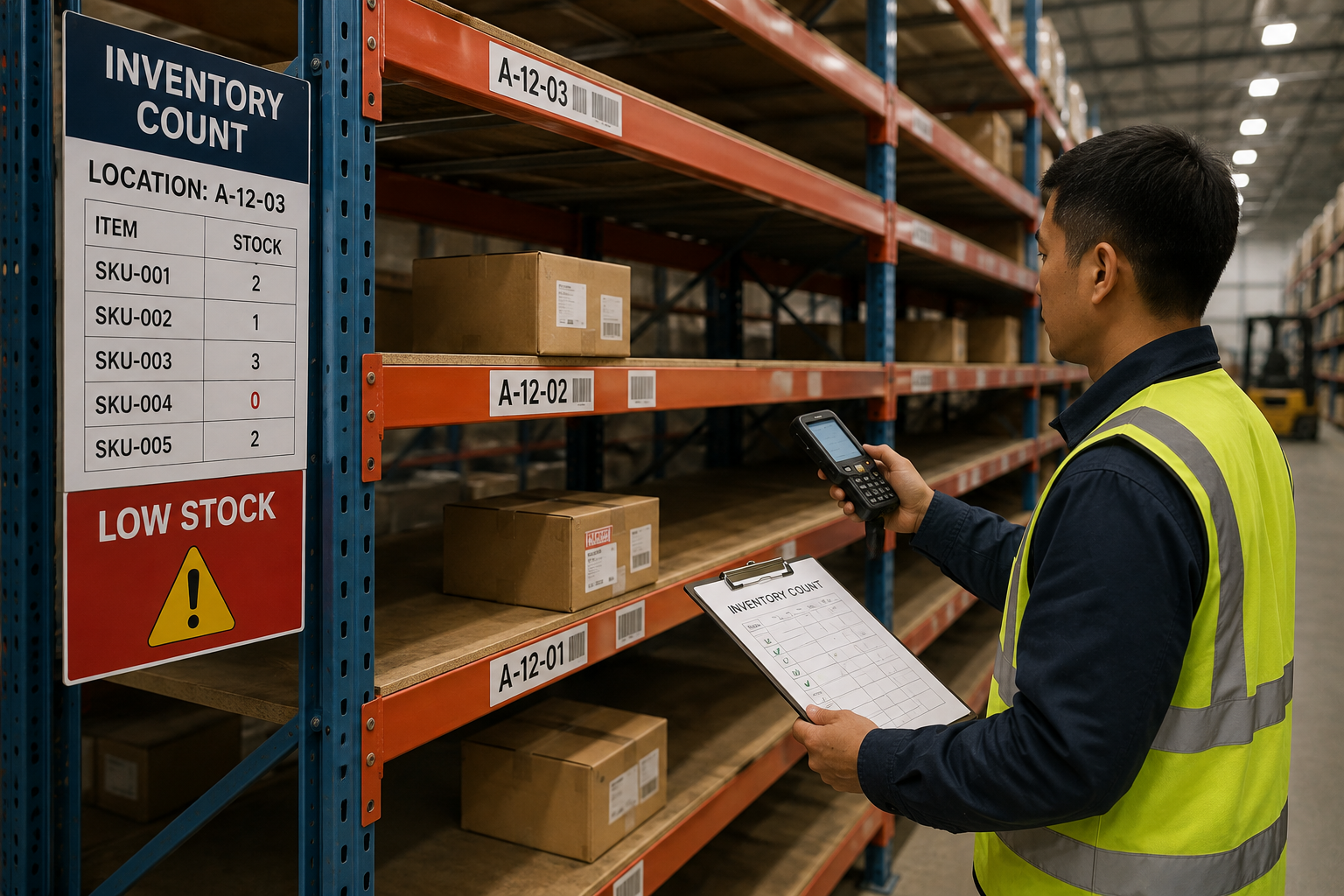
- Ask what alert capability exists — confirm whether your fulfillment warehouse offers low-stock notifications through a dashboard, email, or API integration
- Sync alerts with Shopify inventory tracking — where possible, connect warehouse stock levels directly to Shopify so alerts reflect real-time data
- Set the threshold per product — different products have different sales velocities and lead times, so a single blanket threshold across the catalog rarely works well
- Confirm who receives the alert — make sure the notification reaches whoever is actually responsible for placing reorders, not just a general inbox
Fixed Threshold vs Dynamic Threshold
| Factor | Fixed Threshold | Dynamic Threshold |
|---|---|---|
| Setup Effort | Simpler, one-time setup | Requires ongoing calculation |
| Accuracy Over Time | Degrades as demand shifts | Stays aligned with real demand |
| Best For | Stable, predictable products | Products with seasonal or variable demand |
| Maintenance Needed | Minimal | Periodic review required |
Keeping Thresholds Accurate Over Time
-
Recalculate After Sales Pattern Changes
Revisit reorder thresholds whenever a product's sales velocity shifts meaningfully, rather than leaving the original number in place indefinitely.
-
Adjust for Seasonal Products
For products with seasonal demand swings, consider a higher threshold heading into peak periods and a lower one during slower stretches.
-
Review Lead Time Assumptions Periodically
Confirm production and shipping lead times haven't changed since the threshold was last set, since a shift there affects the math just as much as sales velocity does.
Want Smarter Restocking Alerts?
OneShipPros helps Shopify sellers set up accurate, actionable low-stock alerts.
Get Started with OneShipPros →