
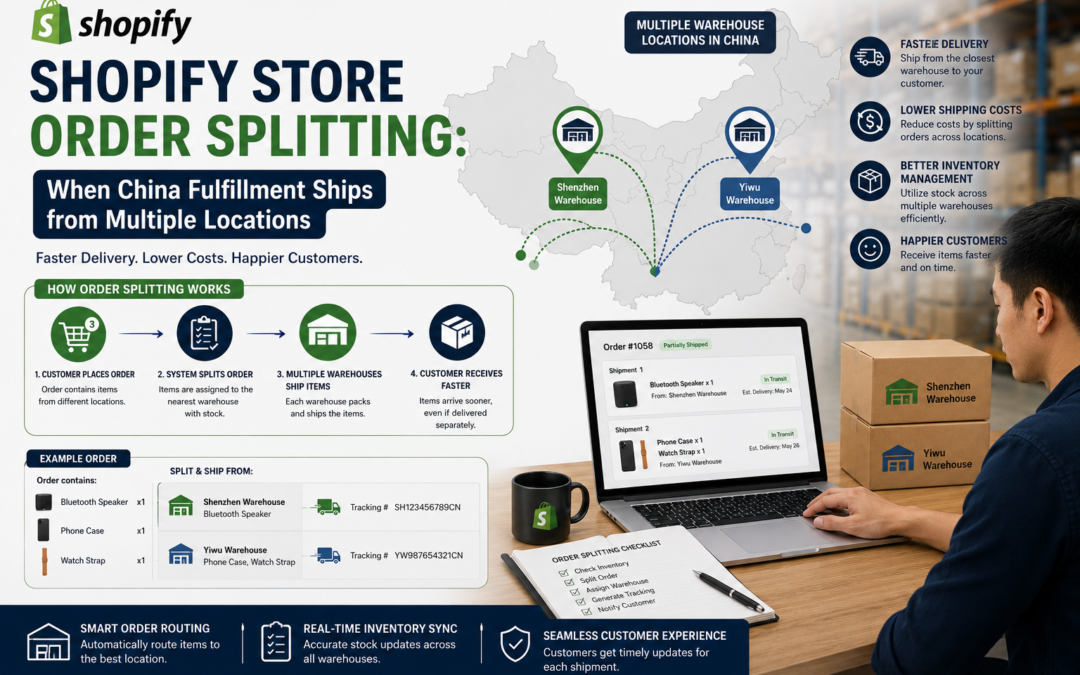
Shopify Store Order Splitting: When China Fulfillment Ships from Multiple Locations
A customer orders three items and gets two separate packages that arrive on different days, no explanation, just confusion and often a support ticket. Split shipments from multiple fulfillment locations are common and manageable, but only if a Shopify seller sets expectations properly. Here's how it works and how to communicate it well.
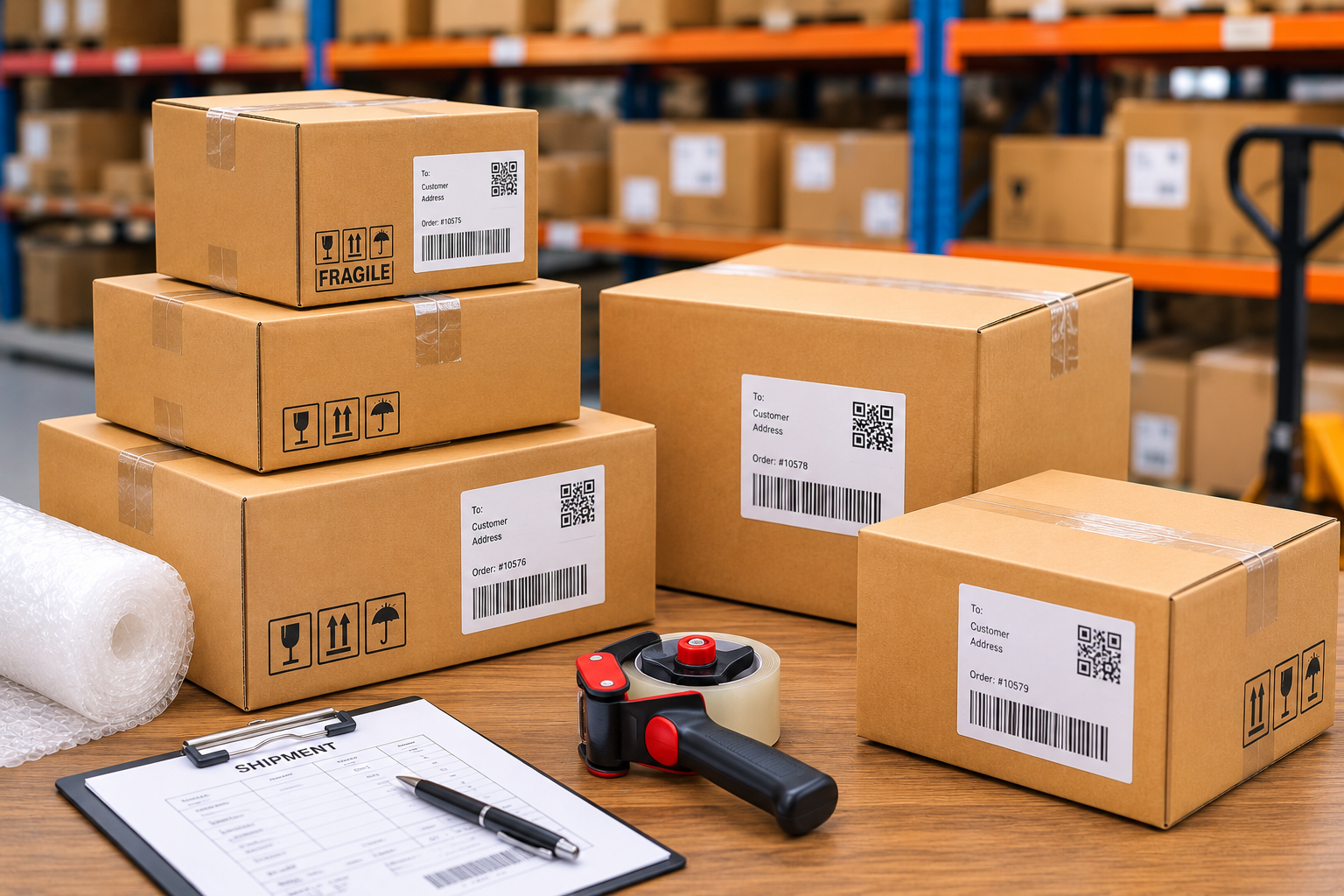
As a Shopify catalog grows, especially one sourced from multiple suppliers or spread across more than one fulfillment location, it becomes increasingly common for a single customer order to require splitting across separate shipments. This isn't a mistake or a system error, it's simply a consequence of inventory being physically located in different places. The problem isn't the split itself, it's when a customer isn't told about it in advance.
Here's why order splitting happens, how it works technically on Shopify, and how to communicate it so it doesn't generate confused support tickets.
📋 Table of Contents
Why Orders Get Split Across Locations
Order splitting happens when the items in a single order aren't all stocked at the same fulfillment location, whether that's because a seller works with more than one warehouse, sources some items from a separate supplier, or is fulfilling certain products directly while others go through a batch-shipped warehouse. Each location ships what it has, resulting in multiple packages and multiple tracking numbers for what the customer sees as a single order.
What Happens Without Clear Communication
Risks of Not Communicating Splits
- Customers confused by receiving multiple packages unexpectedly
- Support tickets asking why part of an order is "missing"
- Concern that an order was only partially fulfilled or lost
- A worse overall customer experience despite nothing actually going wrong
What Clear Communication Provides
- Customers who understand what to expect from the start
- Fewer confused support tickets about split deliveries
- Reduced anxiety around receiving separate packages
- A smoother experience even when fulfillment is genuinely split
How Shopify Handles Split Shipments
Shopify natively supports fulfilling a single order across multiple shipments, each with its own tracking number, and reflects this on the customer's order status page. This means the technical infrastructure for split shipments already exists within Shopify, the seller's job is mainly to configure fulfillment correctly across locations and communicate the split clearly, rather than needing custom development to support the behavior itself.
Setting Expectations with Customers
- Flag it at checkout when possible — some sellers display a note when a cart contains items that will ship separately
- Mention it in the order confirmation email — a brief note explaining that the order may arrive in more than one package sets expectations early
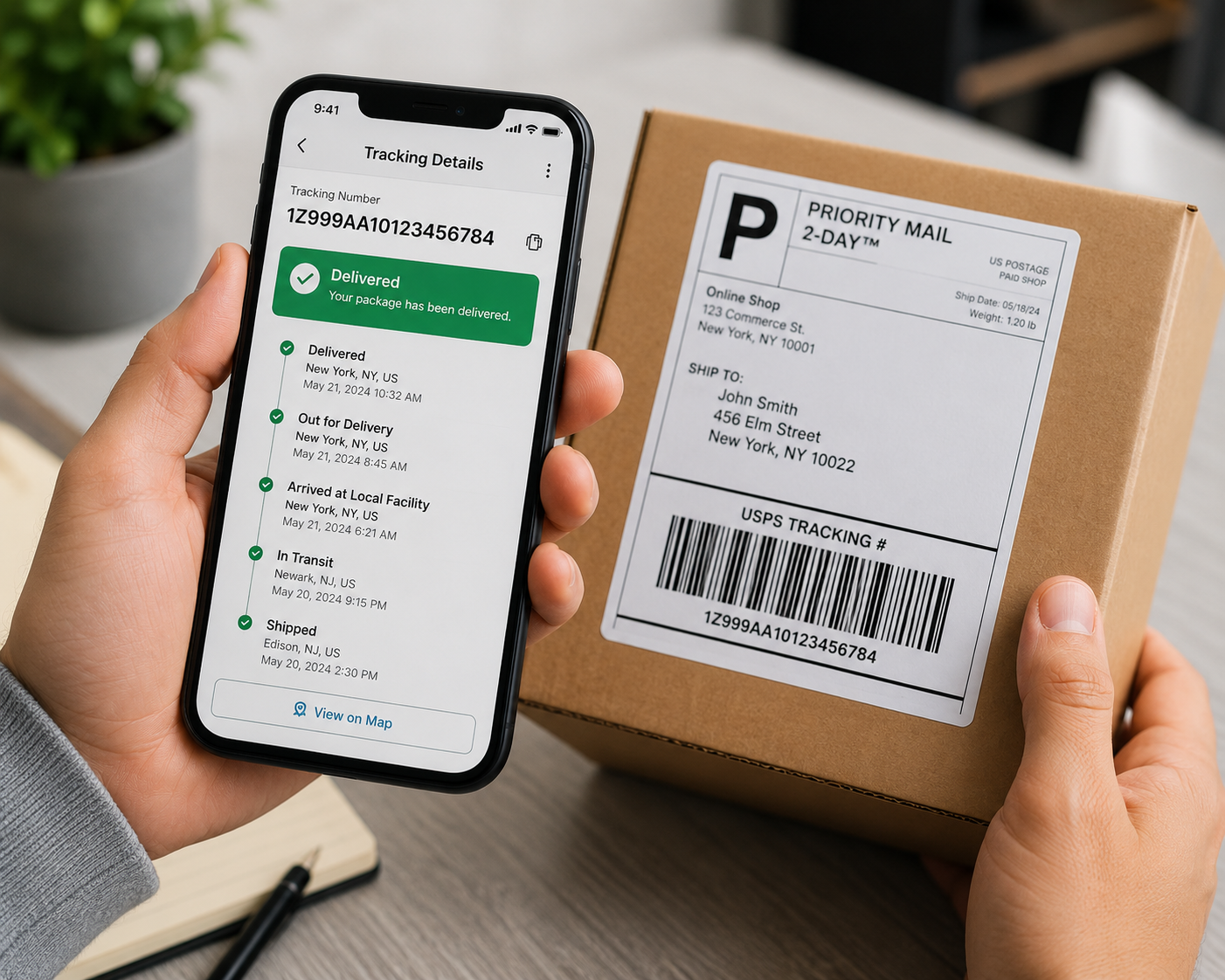
- Make tracking for each shipment easy to find — ensure customers can easily see and follow multiple tracking numbers without confusion
- Prepare a simple support response template — for the tickets that do come in, a quick, clear explanation resolves the concern fast
Single-Location vs Multi-Location Fulfillment
| Factor | Single-Location Fulfillment | Multi-Location Fulfillment |
|---|---|---|
| Shipment Complexity | Simple, one package | Requires coordination across locations |
| Customer Communication Needs | Minimal | Requires proactive explanation |
| Sourcing Flexibility | Limited to one warehouse's stock | More flexible sourcing options |
| Best For | Smaller, focused catalogs | Larger, diverse catalogs |
Managing Split Shipments Well
-
Identify Which Products Are Prone to Splitting
Determine which product combinations are likely to trigger a split shipment based on where each item is stocked, so you know where to focus communication.
-
Add Clear Messaging at Key Touchpoints
Build a brief explanation into checkout notes or order confirmation emails for orders likely to split, rather than leaving customers to figure it out.
-
Prepare Support for the Questions That Do Come In
Equip customer support with a quick, clear explanation for split shipment questions, so any remaining confusion resolves fast.
Managing Fulfillment Across Multiple Locations?
OneShipPros helps Shopify sellers coordinate multi-location fulfillment smoothly.
Get Started with OneShipPros →