
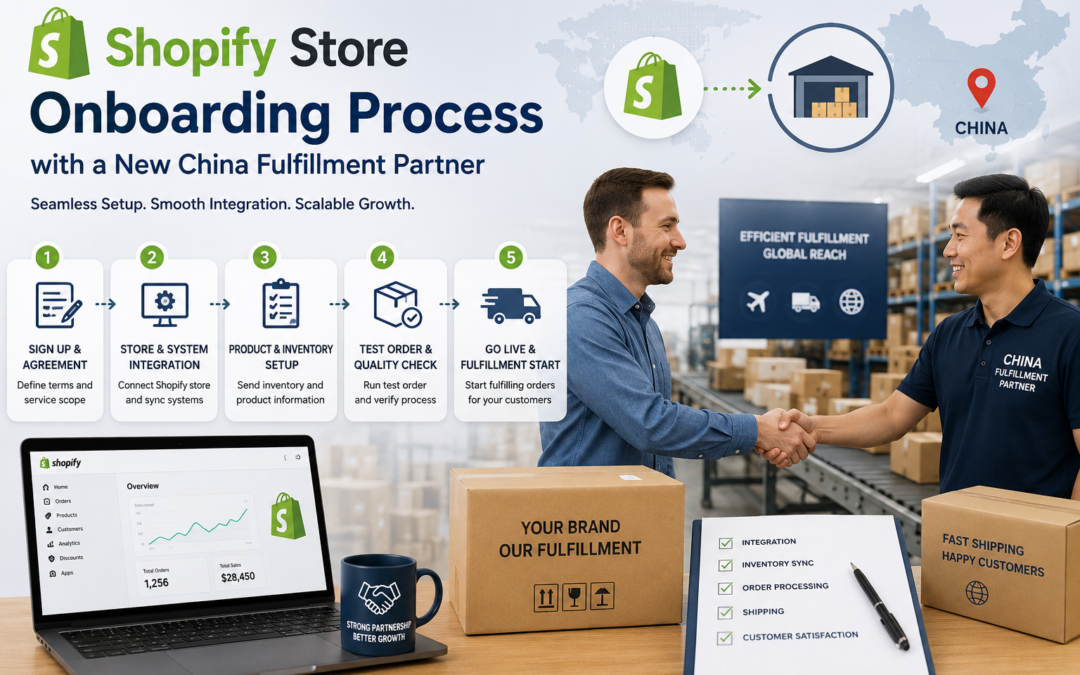
Shopify Store Onboarding Process with a New China Fulfillment Partner
Signing an agreement with a fulfillment partner is the easy part. What happens between that signature and the first real customer order is where most of the actual setup work lives. Here's what onboarding genuinely involves, step by step.
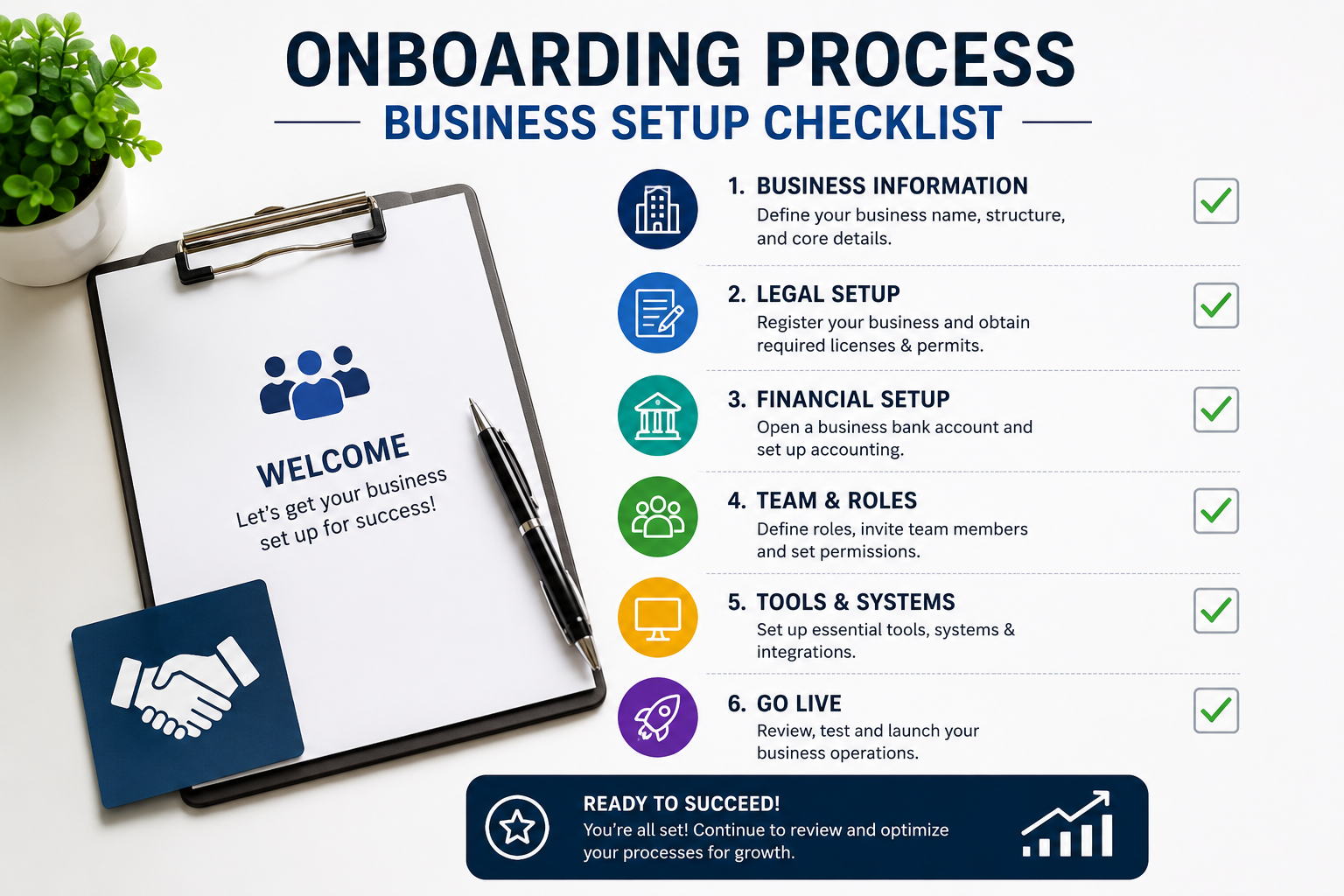
The gap between choosing a fulfillment partner and actually going live with them is often underestimated. Inventory has to physically arrive at the warehouse. Systems have to talk to each other. Packaging specifications have to be confirmed and tested. Skip or rush any of these steps, and the first live orders become the testing ground instead of the confirmation that everything works.
Here's a realistic walkthrough of what onboarding actually involves, so it can be planned for properly instead of treated as an afterthought.
📋 Table of Contents
Why Onboarding Takes Longer Than Expected
Onboarding involves several sequential steps that can't be meaningfully rushed: inventory has to physically travel from a manufacturer or existing storage to the new warehouse, systems need to be connected and tested for accuracy, and packaging or branding specifications need real samples and approval before a full production run. Each of these has its own timeline, and they mostly happen in sequence rather than all at once, which is why the full process typically takes weeks rather than days.
Where Rushed Onboarding Causes Problems
Risks of Rushing Onboarding
- Going live before the Shopify integration is fully tested
- Skipping a test order, so the first real customer order is the first real test
- Packaging specifications not confirmed with an actual sample
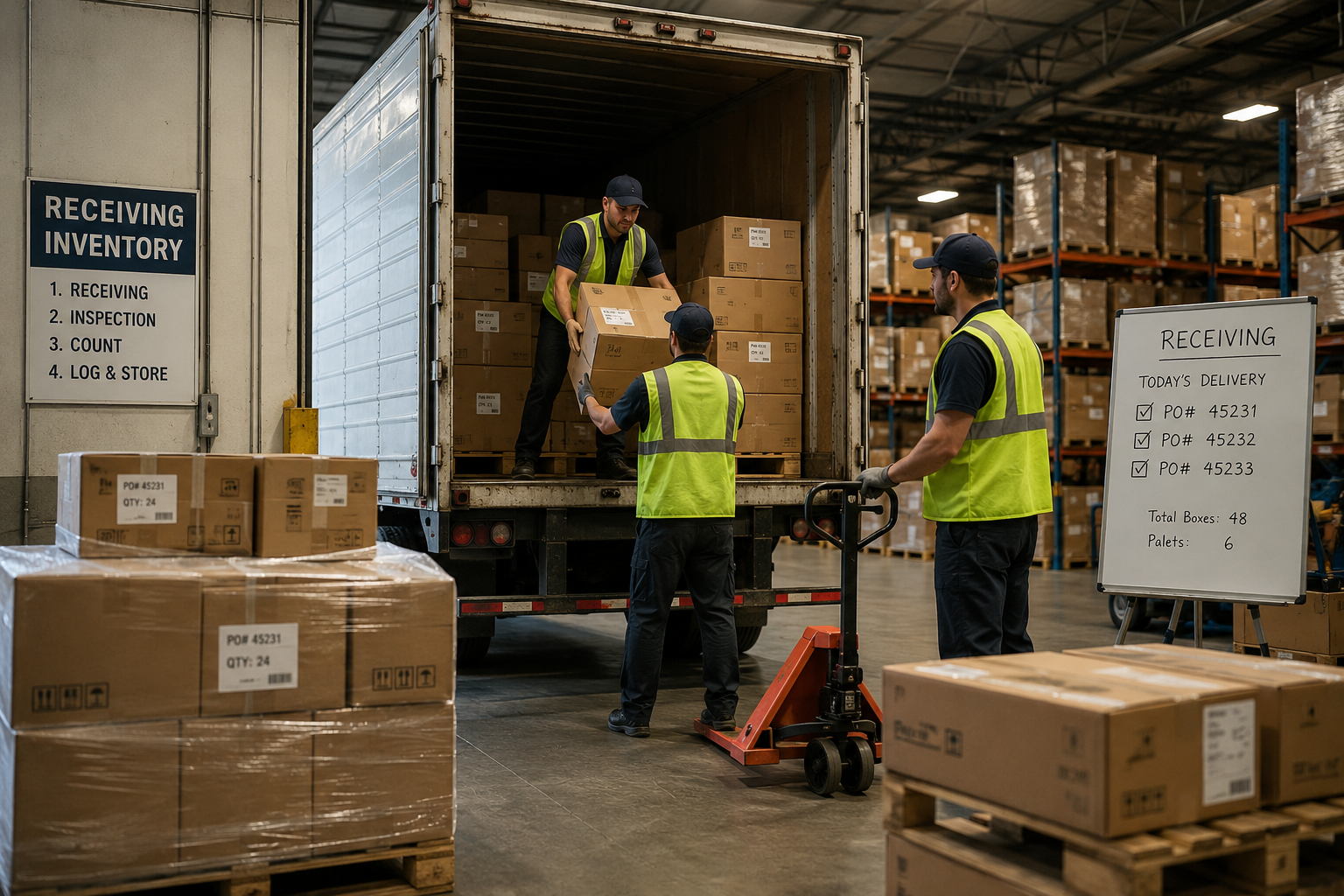
- Inventory counts inaccurate because receiving wasn't properly verified
What Proper Onboarding Prevents
- Integration issues caught and fixed before real orders are affected
- Test orders confirm the full process works end to end
- Packaging approved via real sample before full production
- Inventory counts verified and accurate from day one
The Full Onboarding Process, Step by Step
A typical onboarding sequence starts with an initial setup call to align on requirements, followed by providing product details, packaging specifications, and Shopify integration access. Inventory then ships to the warehouse, which itself can take several weeks depending on the shipping method and whether it's coming from an existing location or directly from a manufacturer. Once inventory arrives and is verified through receiving, the Shopify integration gets tested, followed by one or more test orders to confirm the full process works correctly before real customer orders begin flowing through the new fulfillment relationship.
Throughout this process, keeping Shopify inventory data accurate and synced is essential, especially during the transition window when stock might be split between an old and new fulfillment setup.
What to Prepare Before Onboarding Begins
- Complete product specifications — dimensions, weight, and any special handling requirements for every SKU being onboarded
- Packaging and branding files — logo files, packaging design specifications, and any custom branding requirements ready to share
- Shopify store access details — whatever access or credentials are needed to set up the fulfillment integration
- An inventory shipping plan — confirmed timeline and method for getting initial stock to the new warehouse
- A realistic go-live date — set expectations internally that account for the full onboarding timeline, not an optimistic best case
Onboarding Timeline at a Glance
| Stage | What Happens | Typical Duration |
|---|---|---|
| Initial Setup | Requirements call, specs shared | 1-2 weeks |
| Inventory Transfer | Stock ships to warehouse | 2-6 weeks (shipping-dependent) |
| System Integration | Shopify connection set up and tested | 1-2 weeks |
| Test Orders | Full process validated end to end | Few days to 1 week |
| Full Go-Live | Real customer orders flow through | Ongoing |
Going Live: What to Check Before Full Volume
-
Run at Least One Full Test Order
Place a real order through the actual Shopify storefront and confirm it flows correctly through the entire fulfillment process, from order placement to tracking number.
-
Verify Packaging Matches Approved Samples
Check that the test order's actual packaging matches what was approved during specification review, not just what was described.
-
Confirm Inventory Sync Is Accurate
After the test order ships, verify that Shopify's inventory count correctly reflects the deduction, confirming the sync is working properly before scaling to full volume.
Planning to Onboard a New Fulfillment Partner?
OneShipPros provides a structured onboarding process with clear timelines and test order validation, so nothing gets rushed.
Get Started with OneShipPros →