
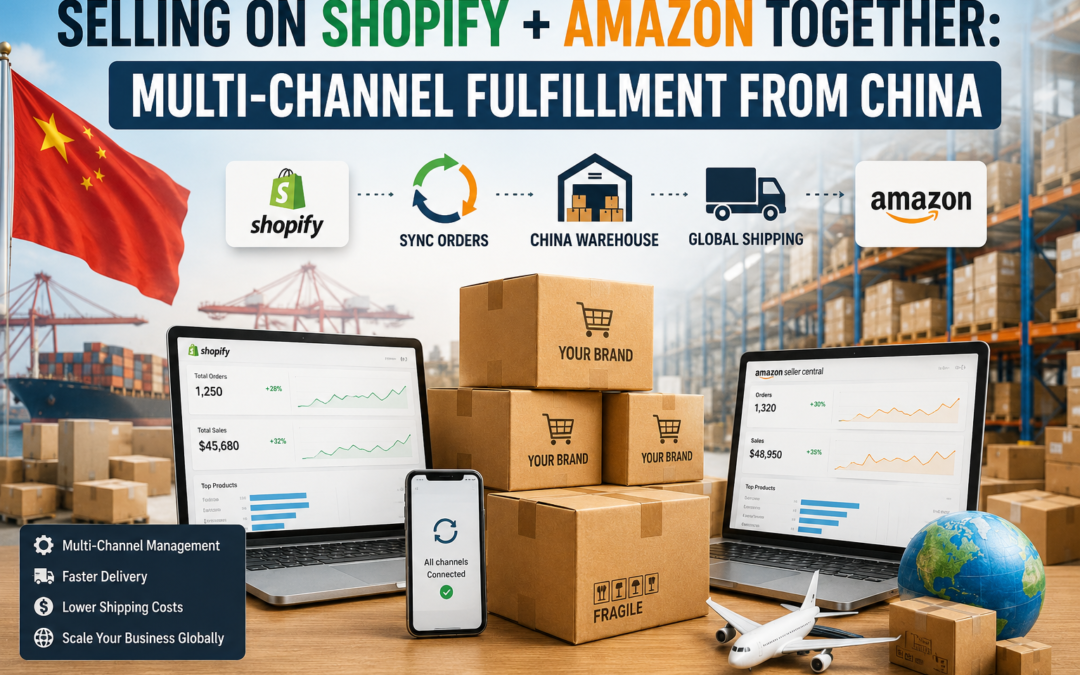
Selling on Shopify + Amazon Together: Multi-Channel Fulfillment from China
Running both storefronts is great for revenue and messy for inventory if the fulfillment setup isn't built for it. Here's how to fulfill Shopify and Amazon orders from one China warehouse without stock conflicts or channel mix-ups.
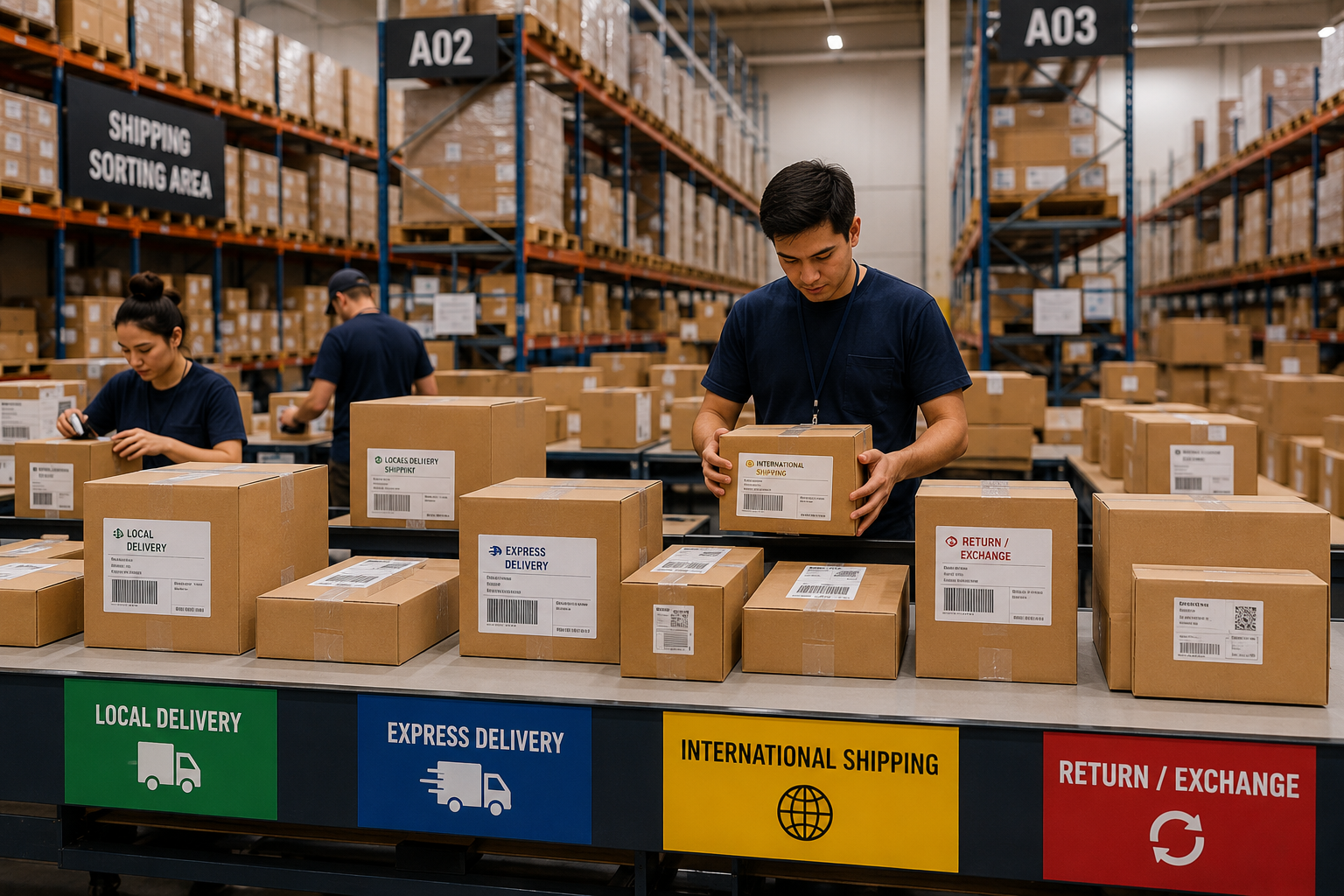
Plenty of sellers don't pick between Shopify and Amazon they run both. Shopify gives full control over branding and margins, Amazon brings built-in traffic and trust. The catch is that each channel expects fulfillment to work differently, and if your warehouse setup wasn't built to handle two channels, that difference turns into overselling, mislabeled shipments, or stock stuck in the wrong place.
A China-based warehouse can absolutely handle both, but only if the inventory and packing workflow account for how differently each channel operates.
📋 Table of Contents
How Multi-Channel Fulfillment From China Works
In a multi-channel setup, one China fulfillment agent stores your inventory and splits it two ways: some stock ships directly to Shopify customers as individual orders come in, while the rest is bulk-shipped into Amazon's FBA network in advance to cover Amazon orders. Both draw from the same manufacturing relationship and often the same warehouse floor, but from that point on the two paths diverge completely.
Done well, this setup lets a brand keep full control over its Shopify customer experience while still tapping into Amazon's reach without running two completely separate supply chains.
Where Sellers Run Into Trouble
Common Multi-Channel Mistakes
- Shared inventory pool oversells because one channel isn't deducted in real time
- Amazon-bound stock gets packed with Shopify's custom branding by mistake
- No clear allocation rule for which channel gets priority when stock is low
- Amazon prep and labeling requirements missed, causing FBA receiving delays
What a Working Setup Looks Like
- Inventory allocated or synced separately per channel
- Two distinct packing workflows, one per channel's requirements
- Clear reorder thresholds set per channel to prevent stockouts
- Amazon FBA prep handled correctly before bulk shipment
What a Properly Split Setup Looks Like
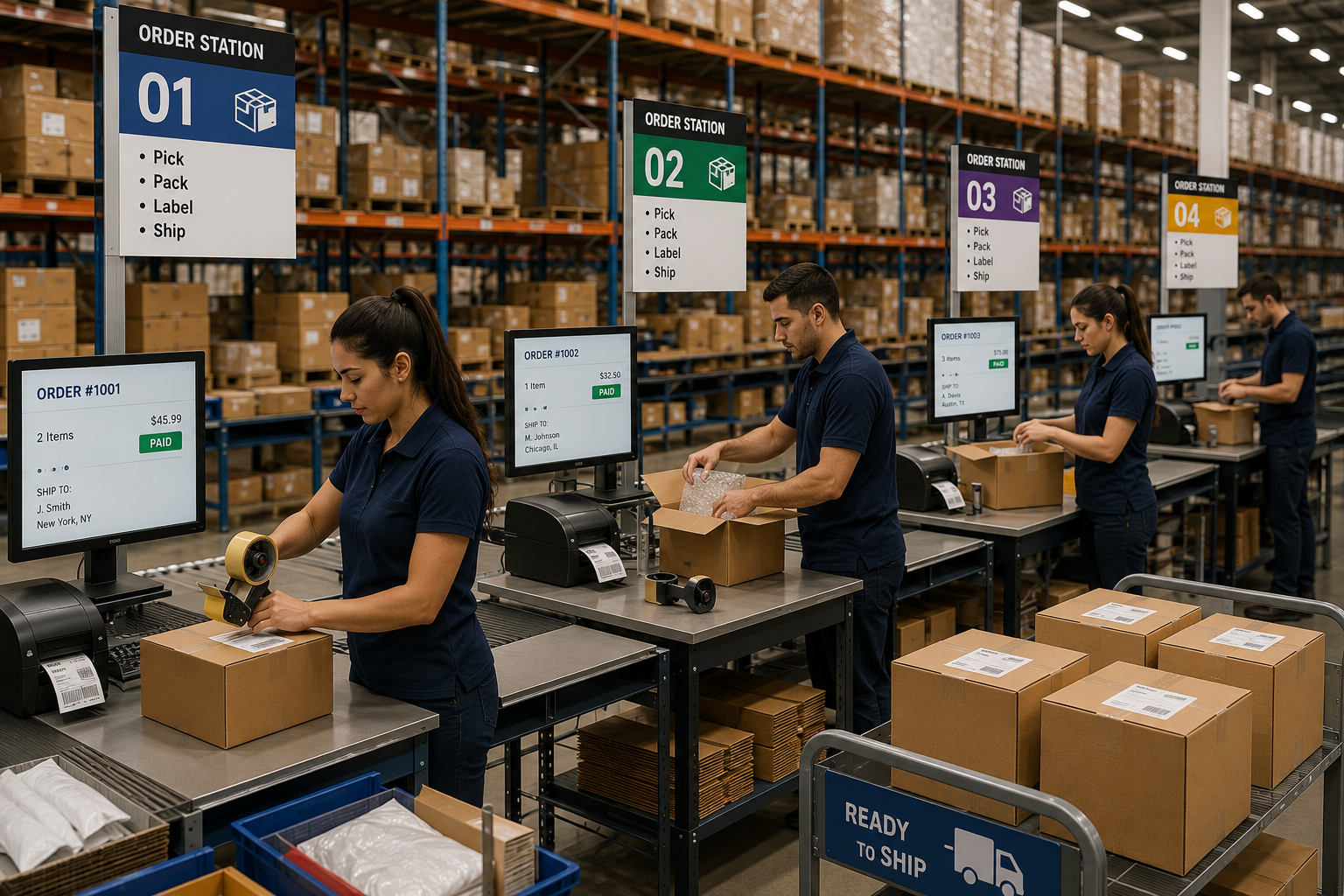
The sellers who run this smoothly usually treat Shopify and Amazon as two separate output streams from the same warehouse, not one shared bucket of stock. Shopify orders get picked, packed with branded packaging, and shipped per order as they come in. Amazon-bound stock gets prepped, labeled, and bulk-shipped into FBA on its own schedule, following Amazon's specific inbound requirements.
Keeping this split accurate depends heavily on your Shopify inventory sync setup, since Shopify needs to know how much stock is actually available for direct orders versus what's already been committed to an Amazon shipment.
What to Confirm With Your Fulfillment Agent
- Multi-channel experience — confirm the agent has actually handled both Shopify direct-ship and Amazon FBA prep before, not just one or the other
- Inventory allocation method — ask whether stock is split into separate pools or managed through a shared real-time sync
- Amazon prep compliance — verify they understand current FBA labeling, polybagging, and packaging requirements
- Reporting visibility — you should be able to see stock levels per channel, not just a single combined number
- Reorder coordination — confirm how they flag when either channel's allocated stock is running low
Shopify vs Amazon: How Fulfillment Requirements Differ
| Factor | Shopify (Direct Ship) | Amazon (FBA) |
|---|---|---|
| Shipping Trigger | Per individual customer order | Bulk shipment into FBA network |
| Packaging | Fully custom branded | Amazon prep and labeling rules apply |
| Inventory Control | Full control, your own rules | Subject to Amazon's storage and prep policies |
| Delivery Speed | Depends on shipping line chosen | Fast once inside FBA network |
| Best For | Brand experience, higher margins | Reach, built-in customer trust |
When It Makes Sense to Combine Both Channels
-
Keep It Simple if...
You're just starting to sell on a second channel, order volume is still low on one or both, or you don't yet have inventory sync tools in place to track stock separately.
-
Combine Both Channels if...
Both Shopify and Amazon are generating consistent orders, your fulfillment agent has proven multi-channel experience, and you have reliable inventory visibility across both.
-
Set Clear Priority Rules
Decide in advance which channel gets priority if stock runs low most brands protect Shopify's direct customer experience first, since Amazon's FBA buffer stock can usually absorb a short delay better.
Ready to Run Shopify and Amazon From One Warehouse?
OneShipPros supports multi-channel fulfillment from China, with separate packing workflows and real-time inventory visibility across both Shopify and Amazon FBA.
Get Started with OneShipPros →