

Shopify Sellers' China Fulfillment Onboarding Checklist: First 30 Days
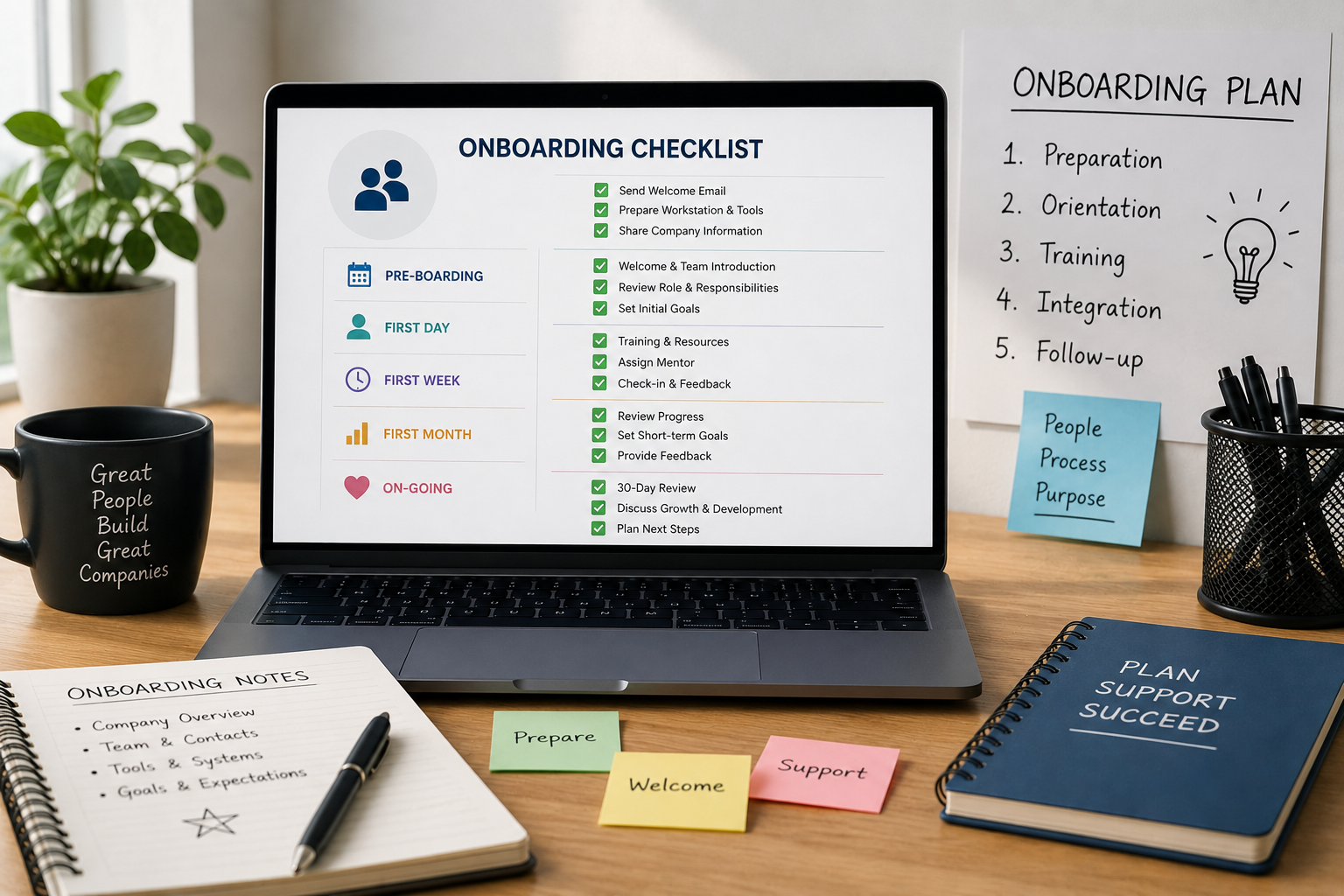
Switching your Shopify store to a China fulfillment warehouse involves more than shipping over your inventory and hoping the integration works. Here's a practical, week-by-week checklist for what to get done in the first 30 days, so orders start flowing correctly from day one.
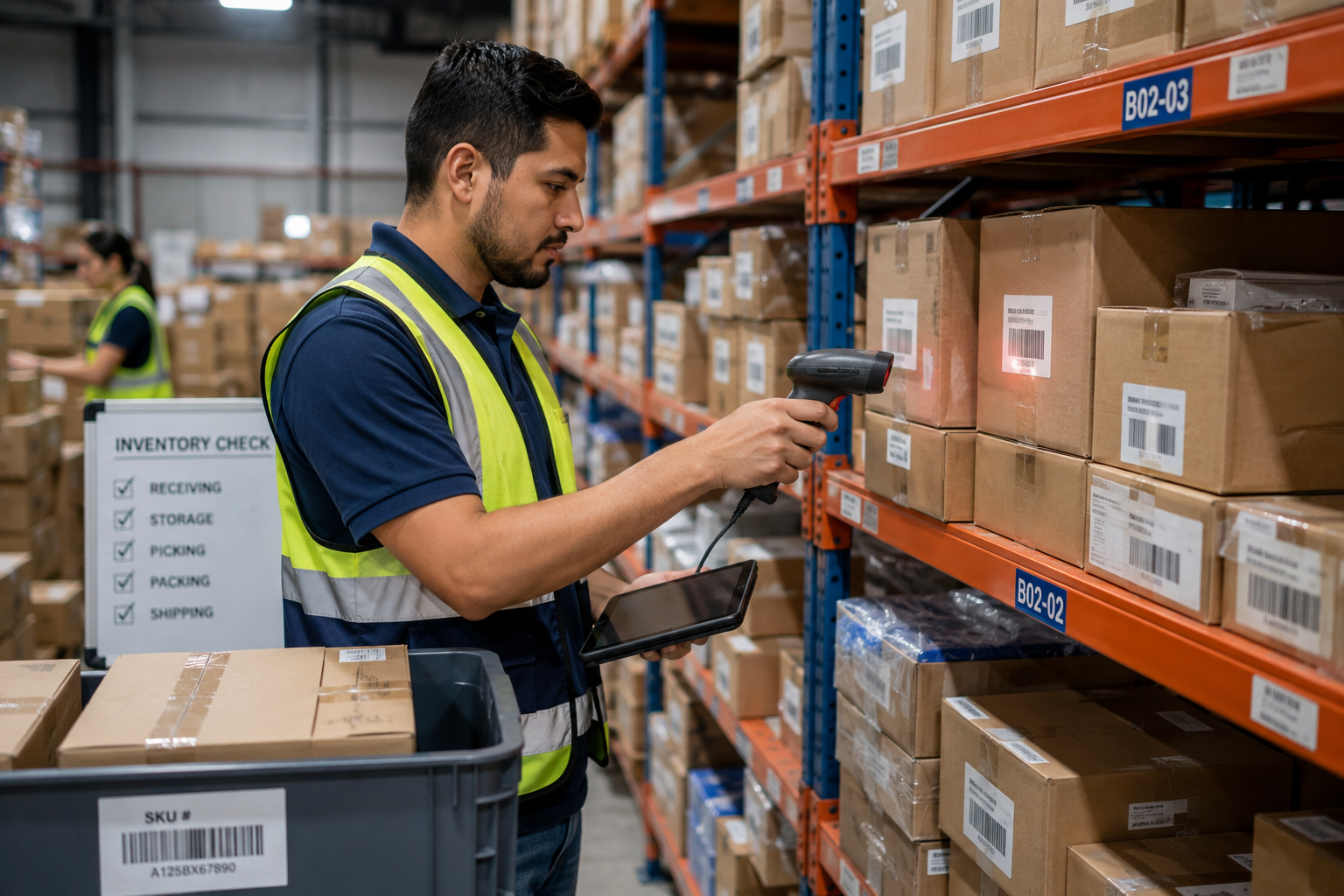
Onboarding with a new fulfillment warehouse is one of those transitions that looks simple on paper and gets complicated fast if steps get skipped. Shopify sellers moving inventory to a China fulfillment partner need the integration connected correctly, SKUs mapped accurately, and a real test order run before customer orders depend on the new setup.
Here's a practical breakdown of what the first 30 days should look like, broken into stages so nothing critical gets missed.
📋 Table of Contents
Why Onboarding Deserves a Structured Checklist
A Shopify store depends on fulfillment working correctly the moment it goes live with a new warehouse, there's no quiet ramp-up period where mistakes don't matter. Skipping steps during onboarding, like not testing the Shopify integration properly or not confirming SKU mapping, tends to surface as real customer-facing problems later: wrong items shipped, orders stuck unfulfilled, or tracking numbers that never sync back to Shopify.
What Happens Without One
Risks of Skipping Structured Onboarding
- Shopify orders not syncing correctly to the warehouse system
- SKU mismatches causing wrong items to ship
- No test order run before real customer orders go through
- Tracking numbers not syncing back to Shopify for customers
What a Structured Checklist Provides
- A verified, working Shopify-to-warehouse integration
- Accurate SKU mapping confirmed before go-live
- A completed test order validating the full order flow
- Confidence that tracking and inventory sync correctly
Week 1: Setup and Integration
- Connect the Shopify integration — link your Shopify store to the fulfillment warehouse's system, whether through a dedicated app or API connection
- Confirm order sync settings — check how frequently orders sync from Shopify to the warehouse, and what triggers a sync
- Set up shipping rules — configure which shipping methods and carriers apply to which regions or order types
- Share product specs — provide dimensions, weights, and any handling requirements for products going into the warehouse
Week 2: Inventory Transfer and SKU Mapping
| Task | Why It Matters | Who Confirms It |
|---|---|---|
| SKU mapping accuracy | Prevents wrong items shipping | Seller + warehouse |
| Inventory count verification | Confirms received stock matches records | Warehouse |
| Bundle/kit setup (if applicable) | Ensures bundled SKUs are linked correctly | Seller + warehouse |
| Low-stock alert thresholds | Avoids stockouts going unnoticed | Seller |
SKU mapping is one of the most common places onboarding goes wrong. If a Shopify SKU doesn't map cleanly to the warehouse's internal SKU, orders can pick the wrong item without anyone noticing until a customer complains.
Week 3: Test Orders and Process Checks
-
Place a Real Test Order
Order from your own live Shopify store the way a customer would, this confirms the entire chain works, from checkout through picking, packing, and shipping.
-
Verify Tracking Syncs Back to Shopify
Check that the tracking number generated by the warehouse actually appears on the order in Shopify and triggers the right customer notification.
-
Review Packaging and Presentation
Confirm the test order arrives packed the way you expect, especially if you've set up any custom branding or unboxing requirements.
Week 4: Go-Live and Monitoring
Once the test order comes back clean, move to routing real Shopify orders through the new warehouse. Keep a close eye on the first week or two of live orders specifically, watch for delayed syncs, mispicks, or shipping rule issues that a single test order might not catch. Most onboarding problems that do show up tend to surface in this early monitoring window rather than later.
Onboarding a China Fulfillment Warehouse?
OneShipPros helps Shopify sellers get integration, SKU mapping, and testing right from day one.
Get Started with OneShipPros →