
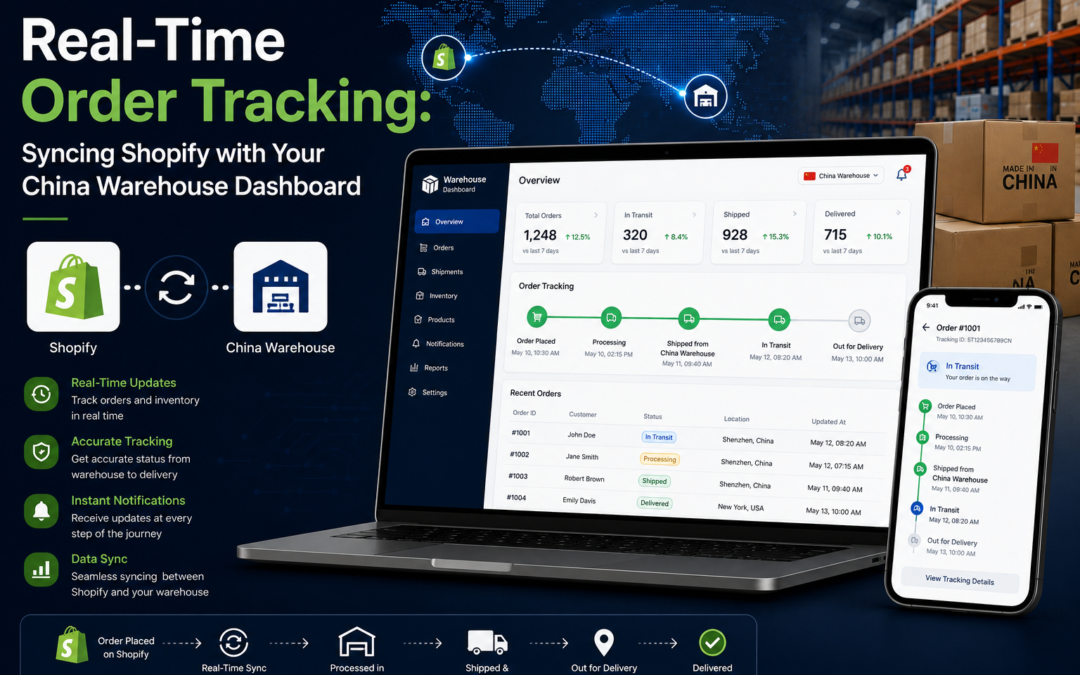
Real-Time Order Tracking: Syncing Shopify with Your China Warehouse Dashboard
"Where's my order?" tickets almost always trace back to a sync gap between Shopify and the warehouse. Here's how real-time tracking integration actually works, what it fixes, and what to check if your numbers ever stop matching.
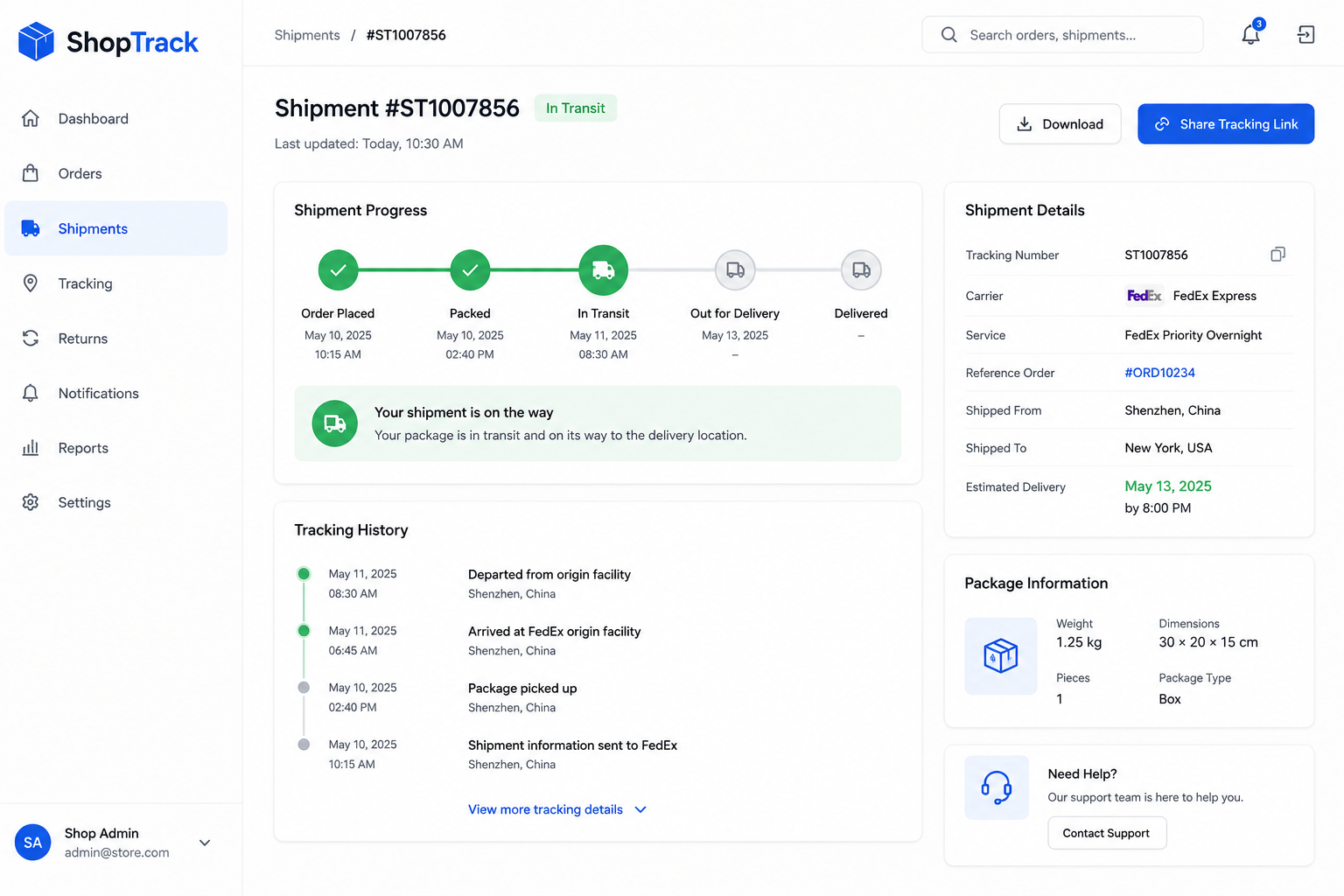
Customers checking an order's status expect it to feel instant even when the actual package is sitting in a warehouse on the other side of the world. That expectation only holds up if Shopify and the fulfillment warehouse's systems are actually talking to each other in real time. When they're not, the result is stale tracking numbers, inventory that doesn't match reality, and a support inbox full of "where's my order" emails.
Here's what a properly synced setup looks like, and what tends to break when it isn't.
📋 Table of Contents
How the Sync Between Shopify and the Warehouse Works
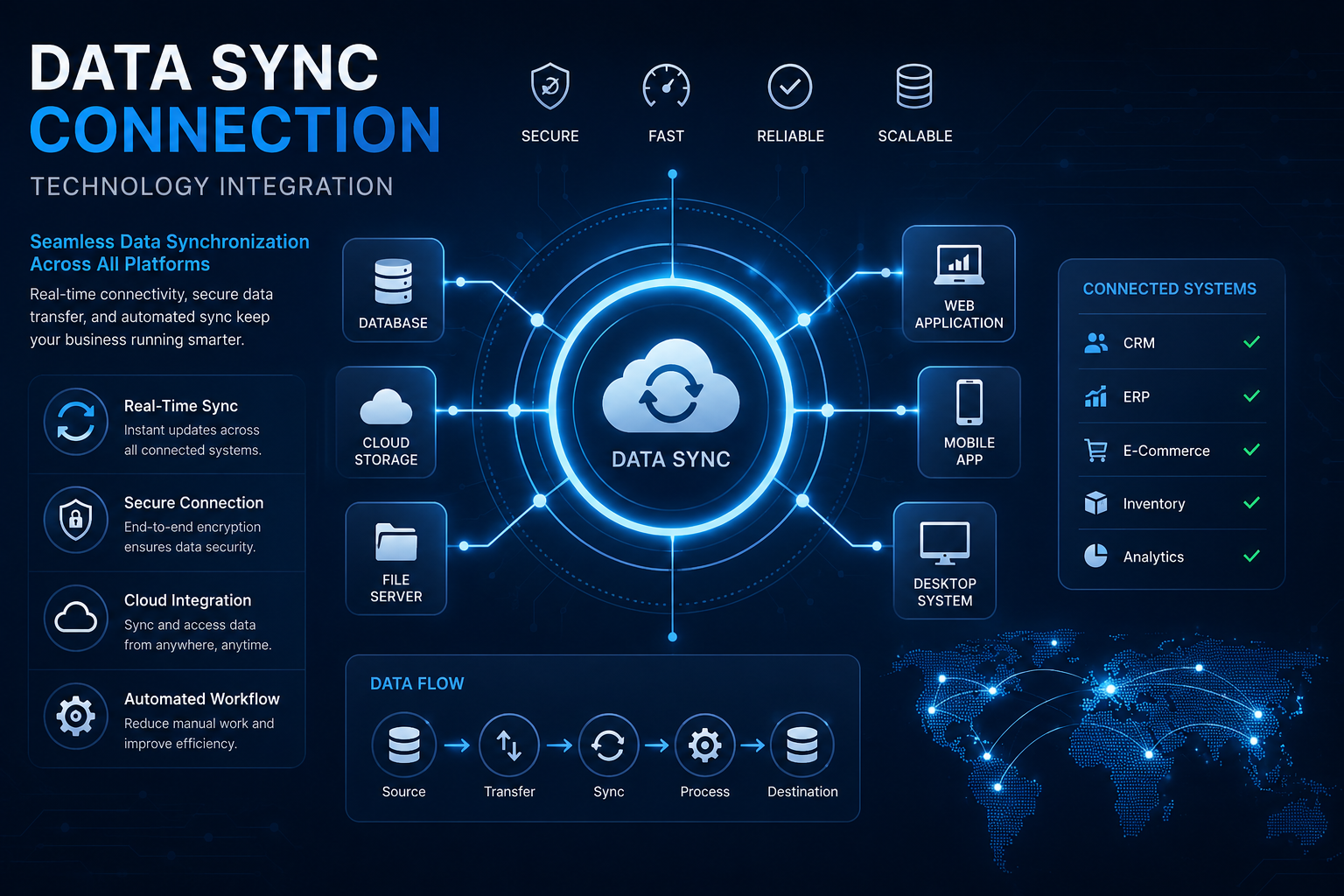
In a properly integrated setup, a new Shopify order is automatically transmitted to the warehouse's system usually through an API connection or a dedicated fulfillment app the moment it's placed. The warehouse picks, packs, and ships the order, then pushes a tracking number and shipping confirmation back to Shopify. Inventory counts flow the other direction too, updating Shopify's stock levels as items are received, allocated, or shipped from the warehouse.
When this loop works correctly, neither the seller nor the customer needs to manually check two separate systems to know an order's real status.
What Happens When Sync Breaks Down
Common Signs of a Sync Problem
- Shopify shows an order as unfulfilled after it's already shipped
- Inventory counts don't match what's actually in the warehouse
- Tracking numbers appear late or not at all on the order status page
- Customers oversold on a product that's technically out of stock
What a Healthy Sync Looks Like
- Orders appear in the warehouse system within minutes of being placed
- Tracking numbers populate in Shopify automatically after shipment
- Inventory counts update in near real time as stock moves
- Automated alerts flag any failed sync before it causes bigger issues
What a Properly Synced Setup Looks Like
A reliable sync setup usually runs through an established integration, whether that's a fulfillment agent's own Shopify app or a middleware tool connecting both systems via API. New orders flow to the warehouse automatically, without anyone manually exporting or entering data. Once an order ships, the tracking number returns to Shopify quickly enough that a customer checking their order status sees accurate information, not a stale "processing" label days after the package has moved.
Getting the underlying Shopify inventory sync app configured correctly from the start is what prevents most of these issues before they ever reach a customer.
What to Confirm With Your Fulfillment Agent
- Integration method — ask whether they offer a native Shopify app, an API connection, or a third-party middleware tool
- Sync frequency — confirm how often data actually updates in both directions, since "real-time" sometimes means every few hours, not instantly
- Tracking number turnaround — ask how quickly tracking numbers appear in Shopify after a package ships
- Failure alerts — check whether you'll be notified automatically if a sync fails, rather than discovering it through a customer complaint
- Inventory update triggers — clarify exactly when stock counts update, on receipt, allocation, or shipment
Manual Updates vs Real-Time Sync
| Factor | Manual Updates | Real-Time Sync |
|---|---|---|
| Order Transmission | Manually exported/entered | Automatic, near-instant |
| Tracking Number Delay | Hours to days | Minutes to hours |
| Inventory Accuracy | Prone to drift and overselling | Consistently accurate |
| Customer Support Load | Higher, more status inquiries | Lower, fewer tracking questions |
| Error Detection | Usually found after a complaint | Automated alerts catch issues early |
Signs Your Sync Needs Attention
-
Audit the Basics First
Check a handful of recent orders manually comparing Shopify's status against the warehouse's actual shipping record to see how large the gap, if any, actually is.
-
Confirm the Integration Is Active
Sync issues sometimes stem from an app losing its connection entirely rather than a partial delay verify the integration hasn't quietly disconnected.
-
Escalate to the Fulfillment Agent
If the gap persists after basic checks, raise it directly with the fulfillment agent's support team a healthy partner should be able to diagnose sync issues quickly.
Want Order Tracking That Actually Stays in Sync?
OneShipPros offers real-time Shopify integration, with automatic order transmission, tracking updates, and inventory sync built in.
Get Started with OneShipPros →