
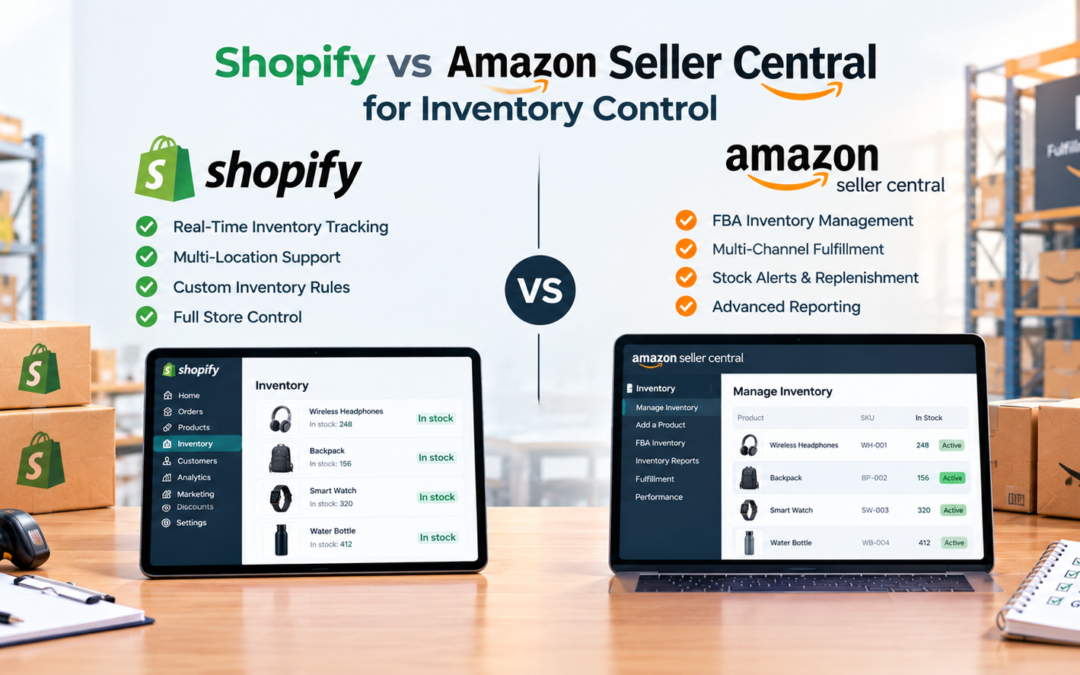
Shopify vs Amazon Seller Central for Inventory Control
Shopify vs Amazon Seller Central comes down to where your stock data lives and who controls it. Shopify gives you your own store, flexible multi-location tracking, and a large app ecosystem. Amazon Seller Central ties your inventory to Amazon's marketplace and fulfillment network. Here is how each one handles stock counts, syncing, limits, and costs.
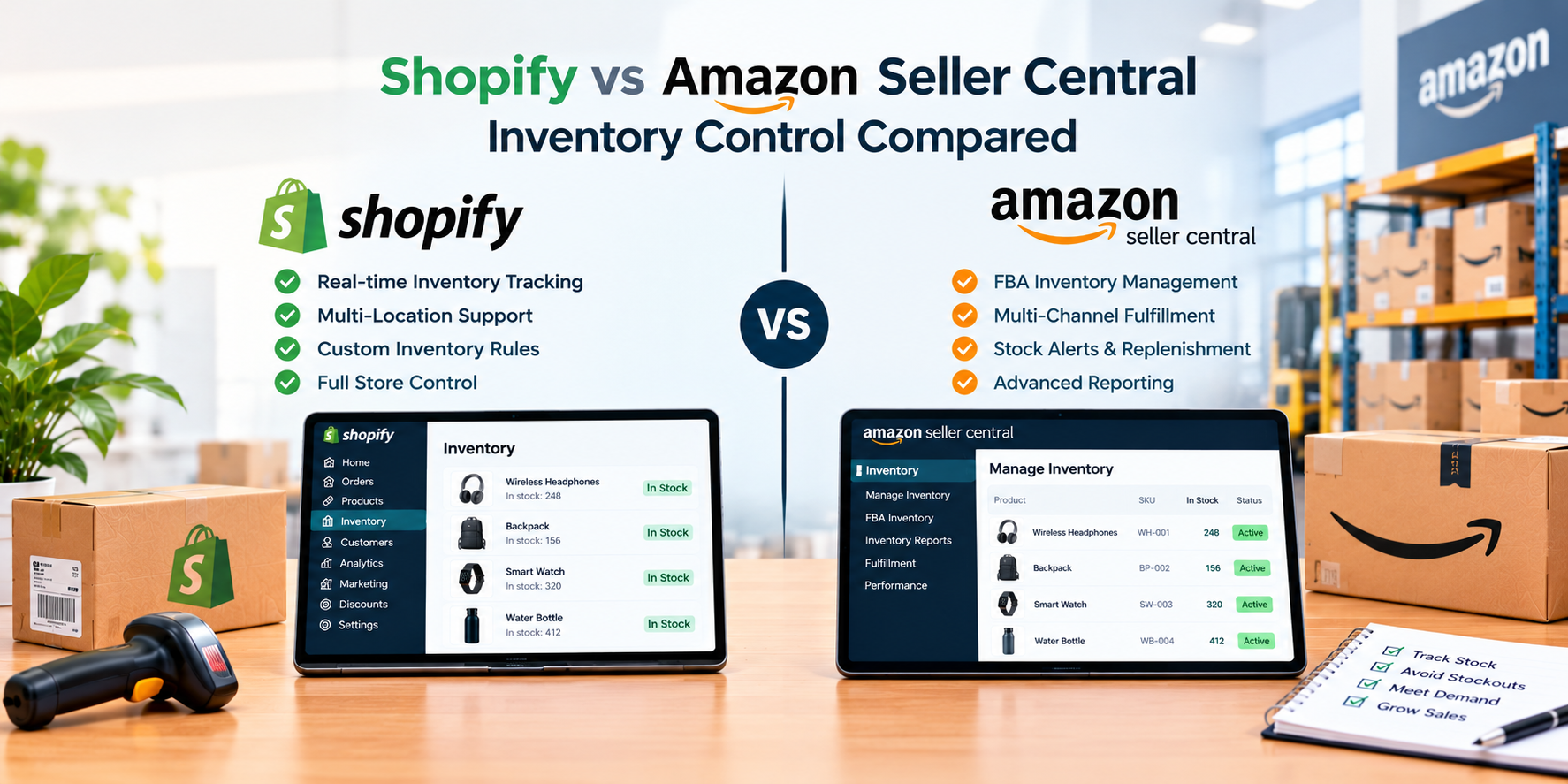
Inventory control sounds simple until you sell in more than one place. A product that shows as available on one channel but is already sold out on another leads to cancelled orders, unhappy customers, and damage to your seller reputation. The platform you build around has a big effect on how easy it is to avoid that.
This guide compares Shopify and Amazon Seller Central for sellers who care about knowing exactly what stock they have, where it is, and how it moves. We cover tracking, multichannel syncing, fulfillment limits, and the costs that come with each approach.
📋 Table of Contents
The Core Difference Between the Two
Shopify is a platform for running your own independent store. Your products, stock counts, and customer data belong to you, and you can connect inventory tools, warehouses, and other sales channels around it. Amazon Seller Central is the dashboard for selling inside Amazon's marketplace, where listings, stock, and fulfillment follow Amazon's systems and rules.
For inventory control, this means Shopify acts as a flexible hub you can build around, while Seller Central acts as a tightly managed system that works very well for Amazon sales but is less open to your own custom setup.

How Inventory Works on Each Platform
On Shopify, you can track quantities for each product and variant, and assign stock to different locations such as your own space, a 3PL, or a retail shop. You can move stock between locations, adjust counts, and use apps to add features like low-stock alerts, purchase orders, and demand forecasting. Because the platform is open, you can swap tools as your needs change.
On Amazon Seller Central, inventory is tracked inside Amazon's own tools. If you use FBA, Amazon stores and ships your stock from its fulfillment centers, and you manage shipments to Amazon, replenishment, and removals through Seller Central. This is convenient and fast for Amazon orders, but your stock is held in Amazon's network and follows Amazon's storage, placement, and capacity rules.
Multiple Locations
Shopify tracks stock across warehouses, 3PLs, and shops
Inventory Apps
Add forecasting, alerts, and purchase order tools
FBA Storage
Amazon stores and ships stock from its own centers
Capacity Limits
Amazon can limit how much stock you send in
Selling on Both Without Overselling
Many sellers do not choose just one. They run a Shopify store for their own brand and also list on Amazon to reach its buyers. The risk is overselling, when the same unit is sold on two channels at once. To prevent it, you need stock levels that update across both channels quickly and reliably.
Shopify can connect to Amazon through an official integration or through third-party inventory sync apps, so a sale on one channel reduces stock on the other. Amazon also offers a way to fulfill orders from other sales channels using inventory stored in its network. Whichever method you use, test it with real orders before listing your full catalog.
Pros and Cons for Inventory Control
✓ Shopify Strengths
- Multi-location stock tracking in one place
- Large library of inventory and forecasting apps
- Full ownership of your product and customer data
- Works with your choice of warehouse or 3PL
✗ Shopify Limitations
- No built-in marketplace audience
- Advanced features often need paid apps
- You must set up and maintain syncing yourself
✓ Amazon Seller Central Strengths
- FBA handles storage, picking, and shipping
- Huge built-in audience of buyers
- Inventory and orders managed in one dashboard
- Strong tools for replenishing Amazon stock
✗ Amazon Seller Central Limitations
- Storage fees and inventory or capacity limits can apply
- Stock sits inside Amazon's network, with less flexibility
- Less control over customer data and branding
- Policy changes can affect how you manage inventory
Fees and Limits to Compare
Shopify typically charges a monthly plan plus payment processing fees, and you may add paid apps for inventory, forecasting, or syncing. Amazon typically charges a seller account fee, referral fees on each sale, and, if you use FBA, fulfillment and storage fees that can vary by product size, weight, and time of year.
Amazon may also apply inventory or capacity limits to FBA, which can affect how much stock you are allowed to send in. Neither platform is automatically cheaper, so work out your full cost per unit, including storage, fulfillment, platform fees, and the time spent managing stock, before you decide.
Side by Side
| Factor | Shopify | Amazon Seller Central |
|---|---|---|
| Platform type | Independent store builder | Marketplace seller dashboard |
| Multi-location tracking | Built in and flexible | Centered on Amazon's network |
| Inventory apps and tools | Extensive | Amazon's own tools |
| Built-in fulfillment | Bring your own or use a 3PL | FBA available |
| Storage limits | Set by your warehouse | Amazon may apply limits |
| Built-in shoppers | No, bring your own | Yes |
| Best for | Multichannel, branded sellers | Amazon-focused sellers using FBA |
Which One to Actually Pick
-
Map Your Sales Channels
List every place you sell or plan to sell, and estimate what share of your orders each one brings in.
-
Decide Who Stores Your Stock
Choose between your own space, a 3PL, or FBA, and check the storage fees and limits that apply to each option.
-
Plan Your Inventory Sync
If you sell on more than one channel, pick the sync method you will use and confirm it updates stock quickly and reliably.
-
Test With Real Orders
Place a few test orders on each channel to confirm stock counts update correctly before you list your full catalog.
Need Help Keeping Your Inventory Under Control?
OneShipPros helps online sellers set up dependable sourcing and fulfillment, whatever platform their store runs on.
Get Started with OneShipPros →