

How Shopify Sellers Can Verify China Fulfillment Warehouse Inventory Accuracy
The inventory count on a Shopify dashboard is only as trustworthy as the system feeding it, and that system can quietly drift out of sync with what's actually sitting on warehouse shelves. A small gap left unchecked eventually shows up as a stockout or an overselling problem. Here's how to verify accuracy before that happens.
Shopify displays whatever inventory number it's given, it has no independent way to know if that number actually matches what's physically sitting in a warehouse in China. Small discrepancies, a miscounted return, a damaged unit not properly logged, a sync delay, tend to accumulate quietly over time rather than appearing all at once. Left unchecked, the gap eventually surfaces as a customer ordering something that isn't actually there, or a product looking sold out when it isn't.
Here's how to actually verify that a China fulfillment warehouse's inventory counts match what Shopify is reporting, before a discrepancy becomes a customer-facing problem.
📋 Table of Contents
Why Inventory Counts Drift Apart Over Time
A handful of everyday warehouse events can each introduce a small inaccuracy: a return processed but not fully re-added to available stock, a damaged unit removed from inventory without a corresponding system update, a sync delay between the warehouse's internal system and Shopify. None of these alone is catastrophic, but they compound. A warehouse handling thousands of units without disciplined reconciliation practices can end up with a meaningfully inaccurate count within a few months.
What Happens Without Verification
Risks of Never Verifying Inventory
- Shopify showing stock as available when it's actually gone
- Products marked out of stock when inventory actually exists
- Customer orders accepted for items that can't actually be fulfilled
- Discrepancies growing larger and harder to reconcile over time
What Regular Verification Provides
- Confidence that Shopify's displayed stock reflects reality
- Discrepancies caught while still small and easy to reconcile
- Fewer overselling incidents and related customer complaints
- A clearer basis for accurate reorder decisions
Using Cycle Counts to Spot Discrepancies
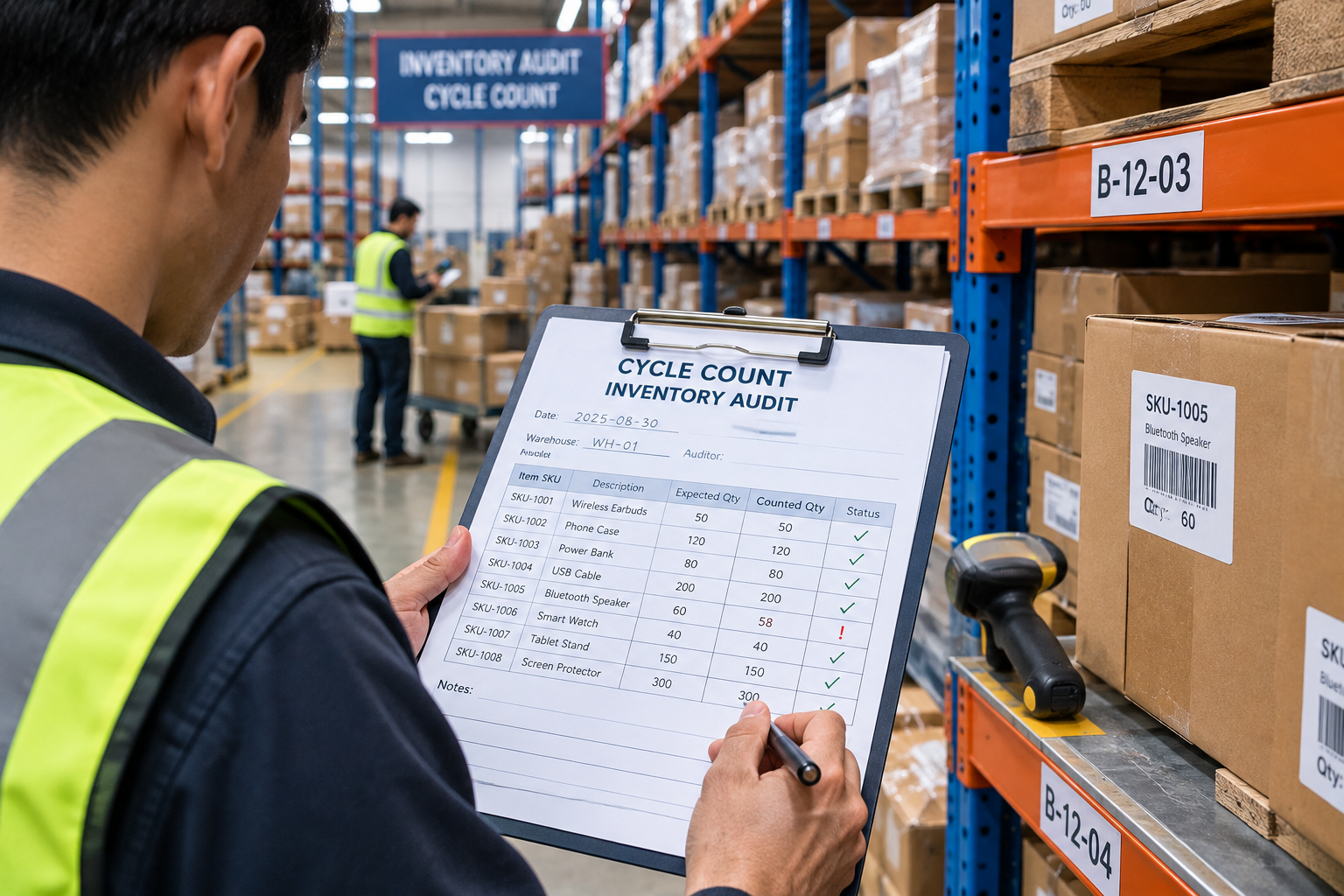
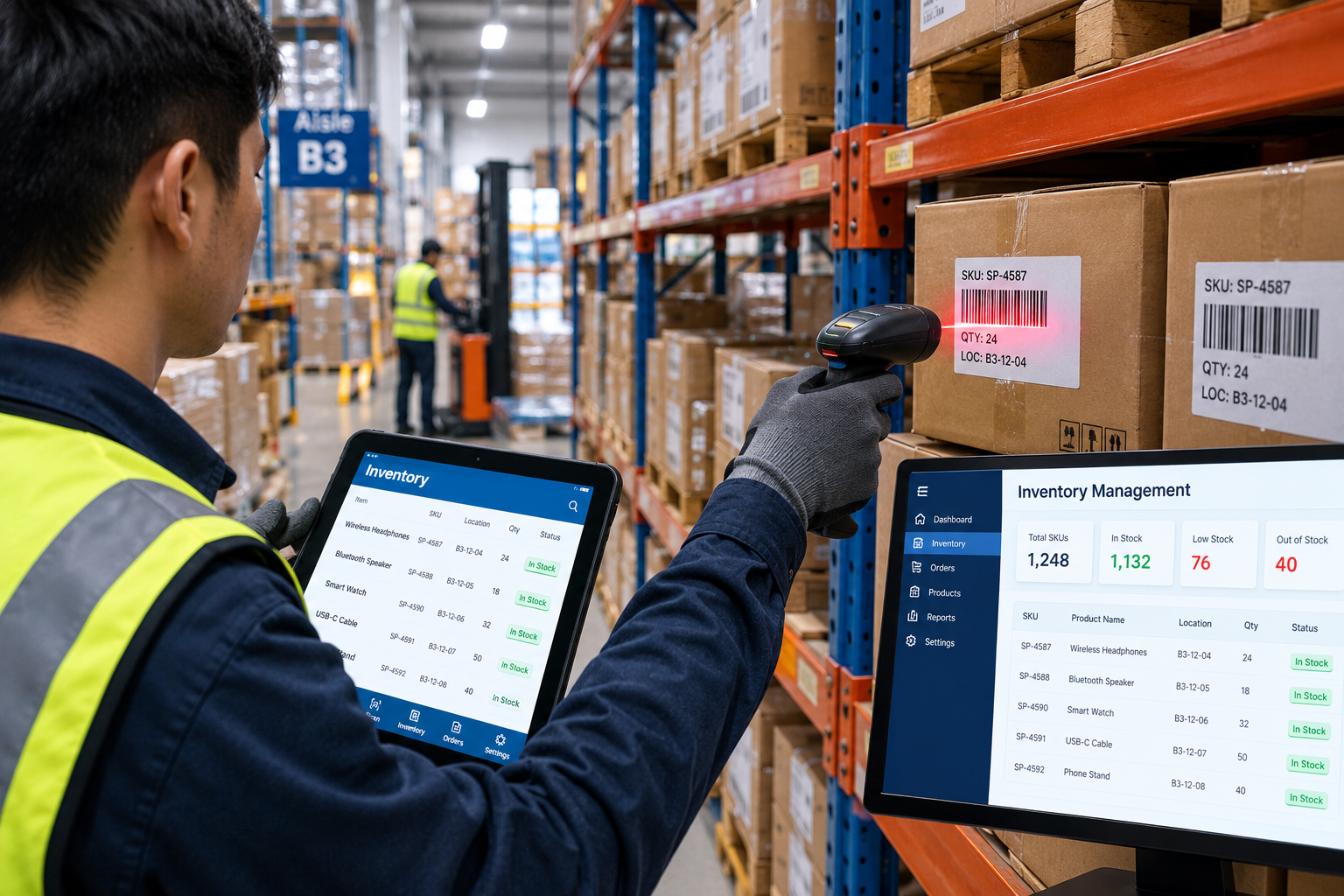
A cycle count, a periodic physical recount of a subset of inventory rather than the entire warehouse at once, is a practical way to catch discrepancies without the disruption of a full audit. Requesting cycle count reports from a fulfillment warehouse on a regular cadence, and comparing the reported counts against what Shopify shows for the same SKUs, is one of the more direct ways to verify accuracy over time.
Other Signals Worth Watching
- Overselling incidents — repeated instances of accepting orders for stock that turns out to be unavailable is a clear sign of an inventory sync problem
- Unexplained "found" or "missing" stock — recurring adjustments that appear without a clear cause suggest an underlying tracking issue worth investigating
- Delayed sync timestamps — if inventory updates lag noticeably behind actual warehouse activity, the reported number is effectively always slightly out of date
- Return processing delays — returns that take a long time to be reflected back in available stock are a common source of gradual inaccuracy
Trusting the Dashboard vs Actively Verifying
| Factor | Trusting the Dashboard | Actively Verifying |
|---|---|---|
| Effort Required | Minimal | Some ongoing effort |
| Accuracy Confidence | Assumed, not confirmed | Confirmed through checks |
| Risk of Overselling | Higher over time | Lower, caught early |
| Reorder Decision Quality | Based on potentially stale data | Based on verified data |
Building a Regular Verification Habit
-
Request Regular Cycle Count Reports
Ask your fulfillment warehouse for periodic cycle count data, and set a recurring schedule for reviewing it against Shopify's recorded stock levels.
-
Investigate Discrepancies Promptly
When a gap turns up, follow up on the specific cause rather than simply adjusting the number and moving on, this helps prevent the same issue from recurring.
-
Track Discrepancy Patterns Over Time
Keep a record of recurring discrepancy types or affected SKUs, patterns here often point to a specific process gap worth addressing directly with the warehouse.
Want Confidence in Your Inventory Accuracy?
OneShipPros provides regular cycle counts and transparent reporting for accurate Shopify inventory.
Get Started with OneShipPros →